
The Case Visbility feature is not enabled by default. Please reach out to your CSM or support@himarley.com if you would like to talk about turning this feature on for your organization.
Table of Contents
Where is Case Visibility Located?
How does Case Visibility work with the Mobile App?
How does Case Visibility work with the API?
How do transcripts work with Case Visibility?
What is Case Visibility?
Case Visibility is a feature that allows users to control who can see the personal details and chat contents for a case.
Cases are set to Public by default, meaning everyone in the organization can view the Case and Chat contents. Users can toggle the case to Private, which will restrict visibility to the following users:
- Primary Operator on the case
- Participants (Secondary Operators) on the case
- Any user with the ADMIN role
Case Visibility Requirements
Case Visibility setting has the following requirements:
- Only users assigned to the case and/or users with ADMIN role can change the Case Visibility setting.
- Cases that are Unassigned cannot be marked Private.
- Case Visibility can be set at case creation time or at any time thereafter.
Where is Case Visibility Located?
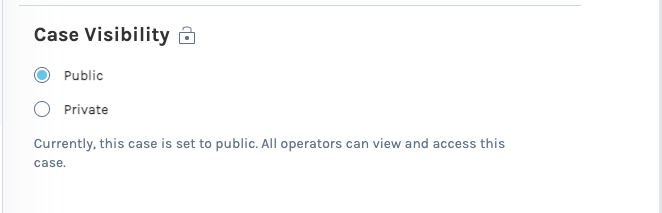
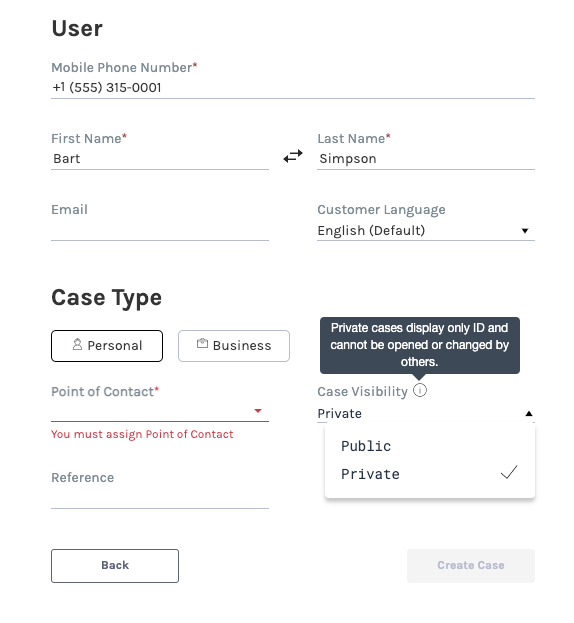
Cases that are marked Private and not accessible to the user will still show the case ID in the Cases and Chats tab, but the personal details on the case and chat contents will not be visible and be marked [ Private ].
Cases Tab
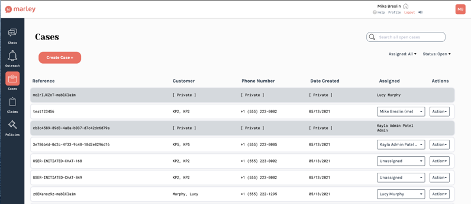
Cases that are marked Private for a User will be greyed out. Only the Reference ID and Assigned User will be shown. The rest of the fields will show [ Private ] and the Actions will not be accessible.
Chats Tab
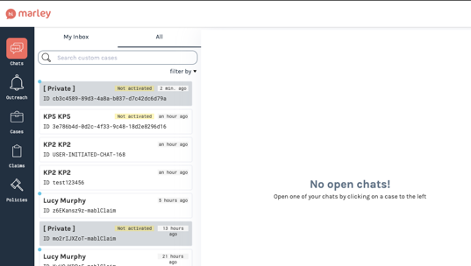
Cases that are marked Private will have their Chats be greyed out. Only the Reference ID and last update timestamp will show. The Customer name will be redacted and show [ Private ]. Users will not be able to click on the Chat to see the conversation, and will not be able to access the Chat - Details and Chat - Manage tabs.
How does Case Visibility work with the Mobile App?
The Case Visibility setting is only available to be toggled in the web app, and not in the mobile app. Cases that are marked Private for a User will not show at all in the Mobile App.
How does Case Visibility work with the API?
The API supports the ability to set or toggle the Case Visibility attribute. See this article for more details.
How do transcripts work with Case Visibility?
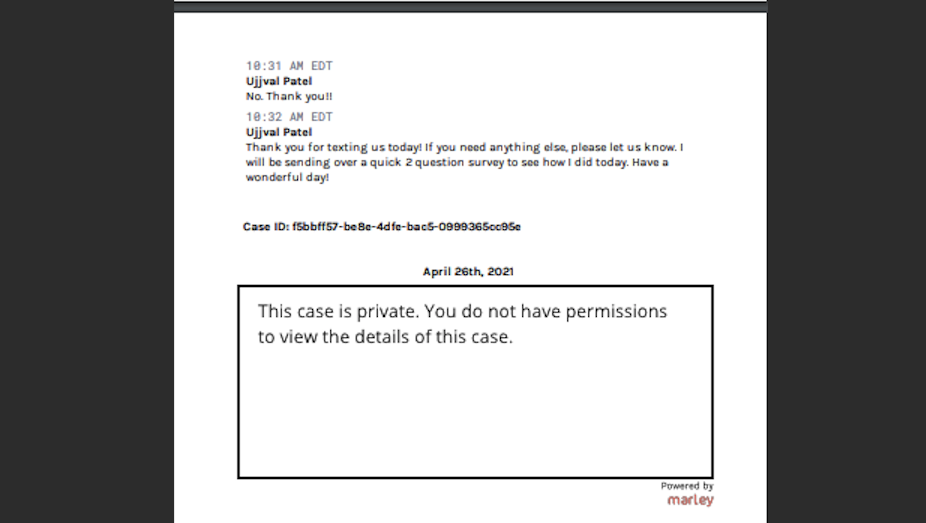
If you are an ADMIN or assigned to a private case, the case transcript will appear as normal. There is no indication in the case transcript that the case is private if you can view it.
If the customer has had multiple cases open, and a case is private, the customer transcript will show that case is private.
Comments
0 comments
Please sign in to leave a comment.