On your computer, open Google Chrome.
At the top right, click the 3 dots in the top right of your browser window.
Click Settings.
Click About Chrome.
If your browser needs to update, you will see Updating Google Chrome.
Once it finishes updating, click Relaunch to open Google Chrome again.
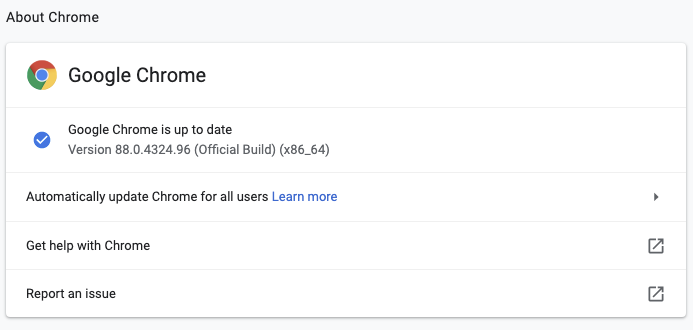
If Google Chrome is up to date, you will be able to see it in this page: